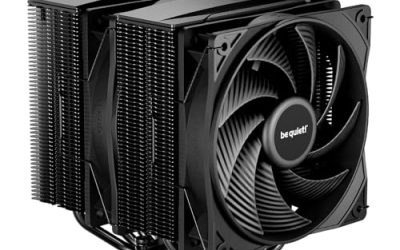
A CPU cooler with a screen is a strange hybrid: part thermal hardware, part desk accessory. The display on the pump cap or the top of the heatsink can show processor temperature, fan speed, a clock, a custom image or a looping animation, and for a build sitting behind a glass panel that is a real part of the appeal. The catch is that the screen does not cool anything. The decision is how much money and complexity you are willing to add to a good cooler in exchange for a window into your system, and whether the display you want matches the cooler type your case allows.
This guide is for builders who want that screen without giving up sensible cooling. It covers six distinct models in 2026, from a small digital readout on top of an air cooler to a large 5.5-inch panel on a 360mm liquid loop. Black and white versions of the same cooler are counted once. Where a title does not state a spec, the picks below avoid guessing and point you to the full listing.
Our Top Picks
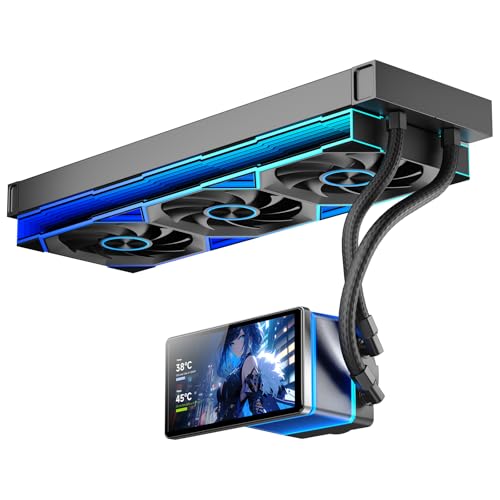 PF 360 CPU Water AIO Cooler Liquid Cooling|5.5-inchPro Flow-360mm15.6 x 1 x 4.7 Inches4 PoundsCheck on Amazon


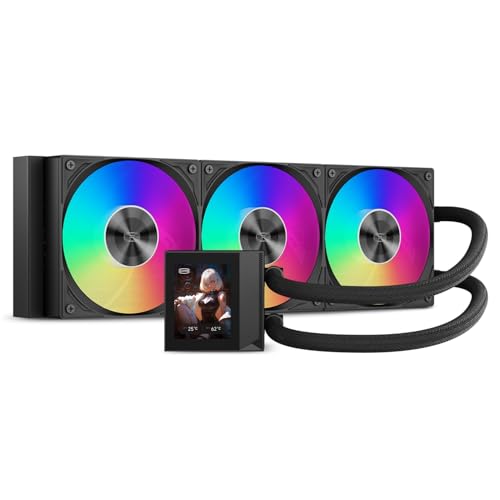


Top 3 picks at a glance
Quick Picks
As an Amazon Associate we earn from qualifying purchases at no extra cost to you.





| Product | Best for | Key spec from the title |
|---|---|---|
| Thermalright Peerless Assassin 120 Vision MAX ARGB | Air cooling with a large display | Twin tower, 2150RPM, 480×854 5-inch IPS screen |
| PF 360 AIO | Biggest screen on a liquid cooler | 5.5-inch LCD, 360mm, 2000RPM PWM fans, 30dBA or less |
| Thermalright Peerless Vision 360 ARGB | Square display on a 360mm loop | 3.95-inch IPS LCD, 480×480, 360mm |
| PCCOOLER DC360 Pro | High rated capacity with a small screen | 2.4-inch IPS LCD, 310W, 360mm, 2600RPM pump |
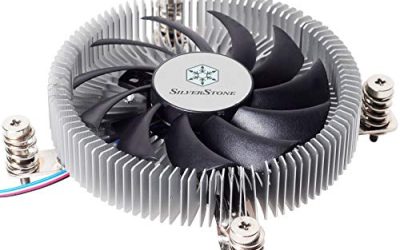
| Thermalright Assassin X 120R Digital ARGB | Compact air cooler with a readout | 4 heatpipes, 2000RPM, 12cm PWM fan, digital screen cover |
| NZXT Kraken Plus 240 RGB | Customizable LCD on a 240mm loop | 240mm, LCD, F240 RGB Core fan, Turbine pump |
How to Choose
Decide what the screen is for
A tiny digital readout only shows a temperature or a few numbers, which is enough if you simply want to see CPU heat at a glance. A color IPS panel from 2.4 inches up to 5.5 inches can show animations, GIFs, system stats or your own images. The bigger the panel, the more software control you need, and most of these displays rely on a companion application running in Windows.
Check that the software supports your operating system and that the cooler can store settings or defaults when the application is not running. Anyone running Linux or a dual-boot setup should read the support notes first, because many companion applications are Windows-only.
Cooling capacity matters more than the display
Use the same checkpoints as any cooler. For a 360mm liquid design, expect capacity suited to a Ryzen 9 or Core i7 and above. A 240mm unit handles mid-range chips. The PCCOOLER title lists a 310W rating, which is a useful number to compare; the others describe radiator size and fan speed instead.
Twin-tower air coolers with a screen, like the Peerless Assassin Vision MAX, promise strong air cooling without a pump, but they are tall and heavy, so confirm case clearance. Liquid designs avoid that height problem but trade it for radiator and tube routing planning.
Compatibility and fit
Check that your socket is named. The Peerless Assassin Vision MAX lists LGA1700, LGA1851 and 115x for Intel and AMD sockets, but for several others the title is cut off, so confirm AM4, AM5 or LGA1700 support in the full listing before ordering. For liquid, verify radiator length and thickness, and that tubes reach the pump cap near the CPU.
A screen on the pump cap only looks right if the orientation can be rotated, so look for a rotating cap or a software option that flips the image. Without it, a radiator mounted on the top of the case can leave the picture sideways. Also account for the cable that feeds the screen, since it needs a USB header on the motherboard in addition to the pump and fan connections.
What to ignore, and where budget models cut corners
Ignore claimed resolution for tiny panels; the viewing distance matters more. Cheaper screen coolers often ship with limited software and few theme options, and some store images poorly. Budget liquid coolers may also use smaller pumps or thinner radiators, so check the pump speed and radiator thickness rather than judging by the display.
The 6 Best Options
Thermalright Peerless Assassin 120 Vision MAX ARGB
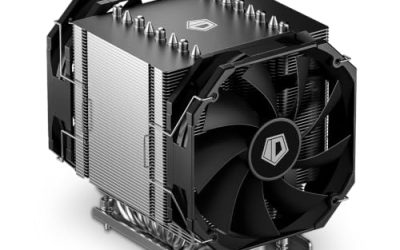
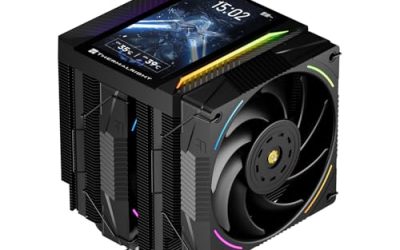
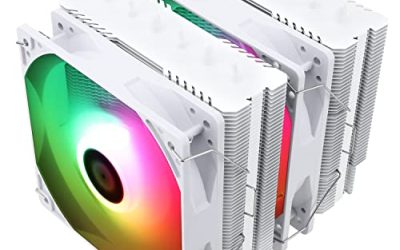
This is the air-cooled answer for screen fans. The title lists a twin-tower radiator, 2150RPM fans and a 5-inch IPS screen at 480×854 resolution, with socket coverage that includes LGA1700, LGA1851 and 115x. It suits builders who want a large display without a liquid loop.
- Strength: twin-tower construction targets strong air cooling without a pump.
- Strength: a 5-inch panel is large enough to read from across a desk.
- Trade-off: it is tall and heavy, and fits only roomy cases.
Skip it if your side panel clearance is tight or you want a quiet, low-speed fan curve at all times. A 2150RPM fan listing hints at strong airflow at the top end, so tune the fan curve if noise matters. The white version of the same cooler is the better match for light-colored builds.
PF 360 CPU Water AIO Cooler
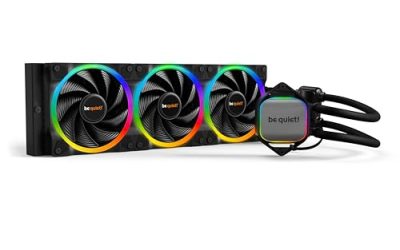
The PF 360 is a 360mm liquid cooler with a 5.5-inch LCD magnetic screen, ARGB infinity mirror fans at 2000RPM and a quoted noise level of 30dBA or lower. It appeals to builders who want the biggest display on a liquid loop.
- Strength: the 5.5-inch magnetic screen is the largest panel in this group.
- Strength: a 360mm radiator with PWM fans suits high-power processors.
- Trade-off: the title is partly truncated on socket support, so confirm your socket in the full listing.
Skip it if your case cannot take a 360mm radiator or you prefer a known-brand warranty. Since the title is not complete, verify what the box includes for your socket and how the magnetic screen attaches.
Thermalright Peerless Vision 360 ARGB
This 360mm all-in-one pairs a 3.95-inch IPS LCD with 480×480 resolution, a square format that suits custom images and clocks. It is for builders who want a sizable display and liquid cooling from a brand known for air coolers.
- Strength: a 480×480 square screen suits logos and clock faces.
- Strength: a 360mm radiator gives high capacity for demanding chips.
- Trade-off: it needs a case that supports a 360mm radiator and a software setup for the display.
Skip it if you want the biggest panel available or a simple readout. The 480×480 square format also means rectangular wallpapers must be cropped before they look right.
PCCOOLER DC360 Pro
The DC360 Pro lists a 360mm radiator, a 2.4-inch IPS LCD at 240×320, a 310W rating, a 2600RPM ceramic pump and ARGB fans with 90.56 CFM airflow. It is for buyers who care more about capacity than display size.
- Strength: a stated 310W rating gives a clear capacity number.
- Strength: a ceramic pump and strong airflow suit sustained loads.
- Trade-off: the 2.4-inch screen is the smallest color panel in the group.
Skip it if the display is the main draw and you want a bigger image. With a rated capacity this high, it is the logical choice for a hot-running processor in a case with strong intake airflow.
Thermalright Assassin X 120R Digital ARGB
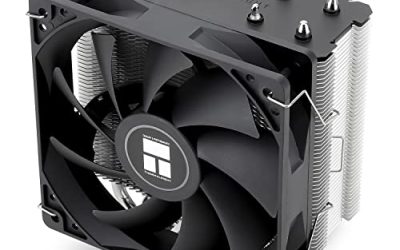
The Assassin X 120R Digital is the compact option. It uses four heatpipes, a 12cm PWM fan at 2000RPM and a digital screen top cover. It suits smaller cases where a twin tower or radiator will not fit.
- Strength: a single-tower body fits more cases than a twin tower.
- Strength: a digital top-cover readout adds information without a large panel.
- Trade-off: it has less cooling capacity than the twin-tower or liquid models.
Skip it if you plan to run a high-core-count processor under sustained loads. For mainstream six- and eight-core chips it is an interesting way to add a temperature readout without a large panel.
NZXT Kraken Plus 240 RGB
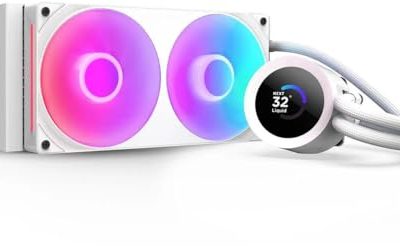
The Kraken Plus 240 RGB is a 240mm AIO with a customizable LCD, the F240 RGB Core fan and a Turbine pump. The title also mentions better thermal performance than previous generations. It suits builders who want a polished brand and a smaller radiator.
- Strength: a customizable LCD tied to a familiar monitoring application.
- Strength: a 240mm radiator fits many more cases than a 360mm unit.
- Trade-off: 240mm of radiator offers less capacity than the 360mm designs for hot chips.
Skip it if you need maximum cooling for a high-core CPU or you want a larger display. Its main advantage is fit, since many cases that top out at 240mm can still carry a screen cooler of this class.
Which One Fits Your Situation
A glass-panel showpiece on air
The Thermalright Peerless Assassin 120 Vision MAX ARGB combines a large screen and twin-tower cooling without a pump to maintain.
A high-power CPU and a big display
Choose the PF 360 for the 5.5-inch panel, or the PCCOOLER DC360 Pro if the 310W rating matters more than screen size. Both use 360mm radiators, so confirm the case mount first. Between them, the PF 360 favors the visual side and the PCCOOLER favors the numbers on the spec sheet.
A mid-size case with a 240mm mount
The NZXT Kraken Plus 240 RGB fits where a 360mm radiator will not, and still offers a customizable LCD.
A small build that only needs a readout
The Thermalright Assassin X 120R Digital ARGB shows information on a compact tower without needing a large panel or pump. It is also the easiest of the six to install and the least likely to cause clearance headaches.
Common Mistakes
- Paying more for screen size than for cooling capacity.
- Buying a 360mm unit for a case that supports only 240mm.
- Skipping the software check and discovering the display needs an application that conflicts with other tools.
- Ignoring tower height and weight on a twin-tower air cooler with a screen.
- Assuming a truncated listing includes your socket without confirming it.
Related guides
- Sustainable Gaming Pc Power Supply Efficiency Guide
- Noctua Nh-D15 Vs Thermalright Peerless Assassin 120
- Thermal Paste Application Method For Lga1851
Frequently Asked Questions
Does the screen improve cooling?
No. It only displays information or images. Cooling depends on radiator size, fan quality and the heatpipe or cold-plate design.
Do I need software running all the time?
Often yes for live data such as temperature or custom animations. Some coolers can store a static image, so check the manual.
Are air coolers with screens as good as liquid ones?
A twin-tower air cooler can handle mainstream chips well. For the hottest processors under sustained loads, a 360mm liquid cooler gives more margin.
Which size screen should I choose?
A 2.4-inch panel is for quick stats, while 3.95 to 5.5 inches suits images and animations. Choose based on viewing distance and case window size, and remember that a large panel on a top-mounted radiator may sit out of view.