
When it comes to front intake, bigger fans have an obvious appeal: a single 200mm fan looks like it should crush two 140mm fans on airflow while spinning slower and quieter. Sometimes it does, sometimes it does not, and the answer depends on your case, your radiators, and how much noise you can tolerate. Here is how the two sizes actually compare.
As an Amazon Associate we earn from qualifying purchases at no extra cost to you.

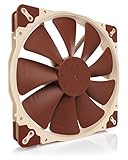


Our Top Picks
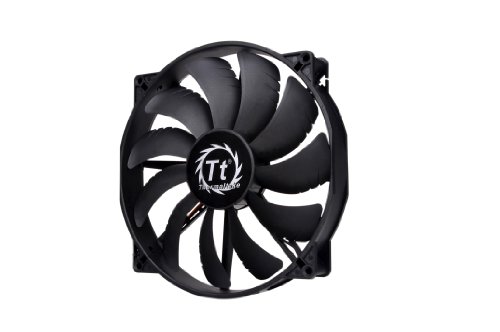 Thermaltake 200mm Pure 20 Series Black 200x30mm Thick200mm11.42 x 10.04 x 12.6 Inches0.94 poundsCheck on Amazon
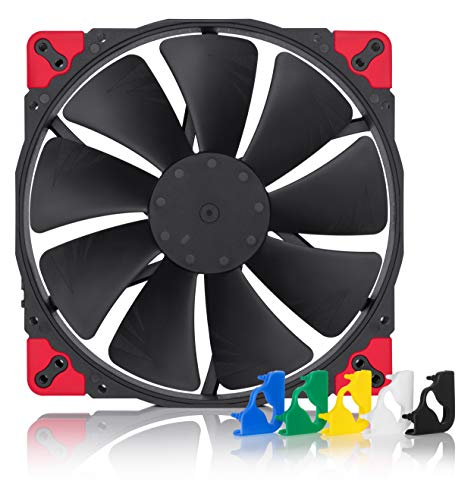
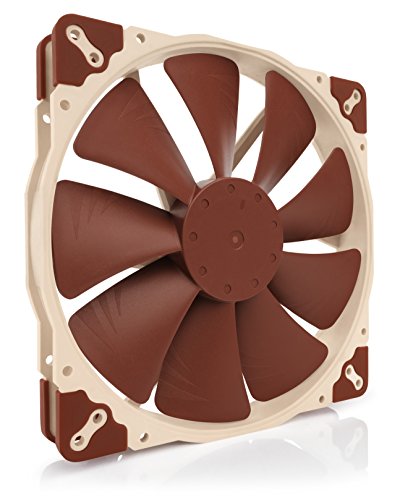
Top 3 picks at a glance
Airflow and noise fundamentals
A larger blade moves more air per rotation, so a 200mm fan can push serious volume at a low, quiet RPM. A typical 200mm intake spins around 600 to 800 RPM and moves roughly 90 to 130 CFM. Two 140mm fans together might spin 800 to 1000 RPM and move a combined 120 to 160 CFM, but with two motors and two sets of blade tips the noise character is different. The single big fan usually wins on quietness at idle; the pair wins on flexibility and peak airflow.
| Metric | 1x 200mm | 2x 140mm |
|---|---|---|
| Typical RPM range | 400-900 | 600-1400 |
| Combined airflow (CFM) | ~90-130 | ~120-180 |
| Static pressure | Low | Medium |
| Idle noise | Very low | Low-medium |
| Radiator friendly | Poor | Good |
| Replacement availability | Limited | Excellent |
Where the 200mm wins
For an open, mesh-front airflow case with no front radiator, a big 200mm intake is fantastic. It floods the case with a gentle, high-volume breeze at whisper-quiet speeds, which is ideal for a quiet living-room or bedroom build. It also simplifies cable and filter management because there is one fan instead of two.
The static pressure catch
Big fans make low static pressure. That means they struggle to push air through restrictive obstacles like dense dust filters, thick radiators, or a solid front panel with narrow side vents. If your front panel is restrictive or you plan to mount a 240mm or 280mm radiator up front, a 200mm intake is the wrong tool. This is the single most common mistake people make when they assume bigger is always better.
Where the 140mm pair wins
Two 140mm fans give you more static pressure, easy PWM speed control on separate headers, and universal compatibility with radiators and filters. If your case supports a front 280mm AIO now or later, twin 140mm fans are the flexible, future-proof choice. They are also trivial to replace, since 140mm and 120mm fans are sold everywhere while 200mm sizes are scarcer and more expensive per unit.
FAQ
Are 200mm fans quieter than 140mm fans?
At the same airflow, usually yes. A 200mm blade moves the same volume at a lower RPM, and lower tip speed means less noise. The gap shrinks once the path becomes restrictive, because the big fan then has to spin up and loses its quiet advantage.
Can I put a radiator on a 200mm fan mount?
Rarely directly. Most radiators use 120mm or 140mm fan spacing, so a 200mm mount needs an adapter or a case that offers both patterns. If radiator support matters, plan around 120/140mm fans.
Bottom line
Choose a single 200mm intake for a quiet, mesh-front air-cooled build with no front radiator; it moves a lot of air with very little noise. Choose two 140mm fans when you want higher static pressure, radiator compatibility, independent speed control, and easy replacements. Match the fan to the restriction it must overcome, and either size can be the right answer.









